Know if your app
is working.
Paste one prompt into Cursor or Claude Code and get back to building. Five minutes later you'll know if anyone's using your app — and we'll tell you which numbers actually matter.
Already have a key? Read the integration docs →
Ask your AI how your site is doing.
frostline is built so the same AI tool that wired up your analytics can also read them. Just ask. No dashboards, no SQL, no context switch.
Real response shape from Claude Code reading the frostline /api/onboarding/status endpoint.
GA4 was built for marketing teams. You are one person in flow.
- A weekend lost to tag manager, events, dimensions, and consent mode — before you've seen a single visitor.
- Cookie banners and a compliance checklist for a side project with 40 visitors a day.
- Dashboards built for a team of five,not a solo dev asking "did anyone click the button?"
frostline is designed to disappear. You do what you do best. We've got your back.
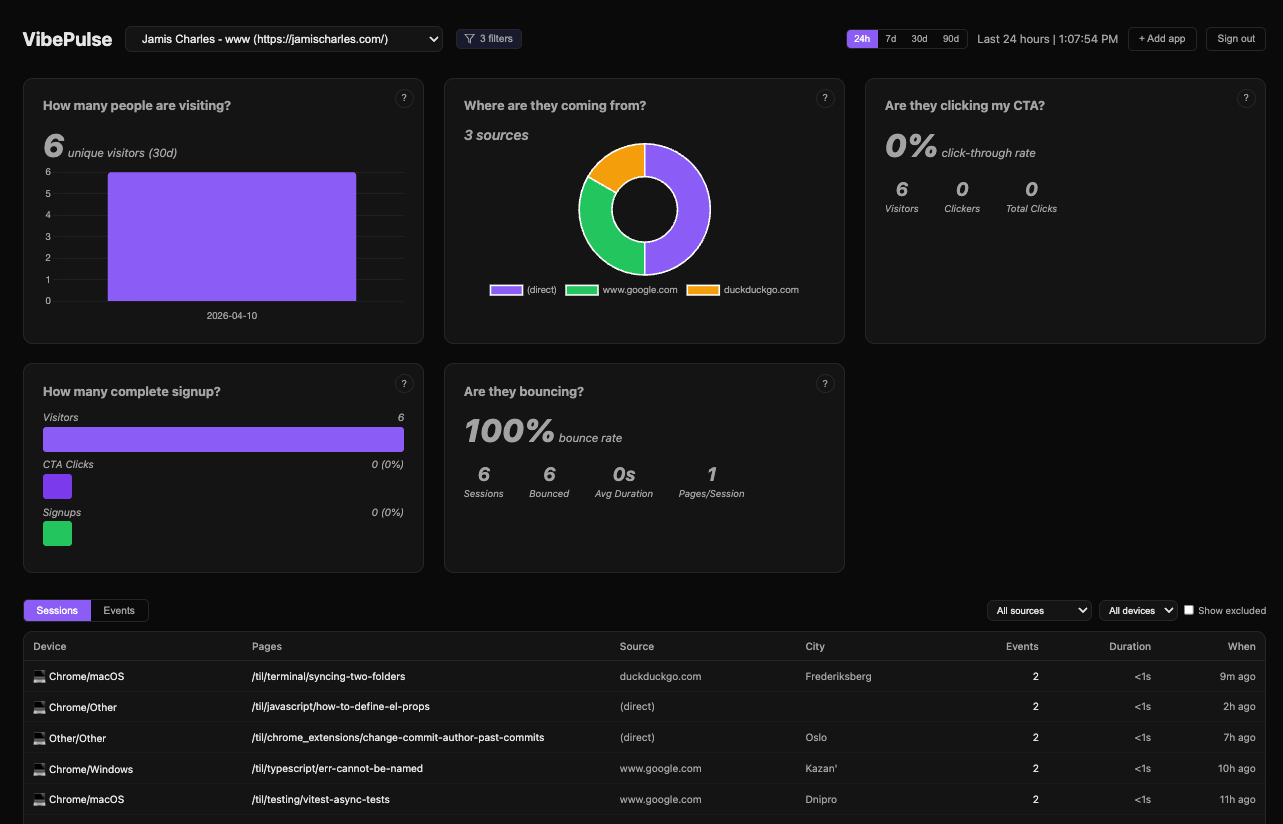
The five questions frostline answers for you
You don't need to become an analyst. For every question, frostline tells you why it matters, what good looks like, and what to do if the number is bad.
How many people are visiting?
Track unique visitors without any setup beyond the script tag.
Where are they coming from?
See which channels drive traffic — Reddit, Twitter, Hacker News, direct.
Are they clicking my CTA?
One line of code to track your main call-to-action click rate.
How many complete signup?
A simple 3-step funnel: visit → click → signup.
Are they bouncing immediately?
Know if visitors leave before reading your page.
Why not just use GA4?
Each tool is good at something. Here's where frostline is different.
| Tool | Setup time | Cookieless | Question-driven UX | LLM-native integration |
|---|---|---|---|---|
| GA4 | Hours–days | No (consent mode) | No (metrics + dimensions) | No |
| Plausible | ~10 min | Yes | No (dashboard-first) | No |
| PostHog | ~30 min | Optional | No (explorer-first) | Partial (LLM SDK) |
| June.so | ~5 min | No | Partial | No — acquired & shut down |
| frostline | ~5 min | Yes | Yes (5 questions) | Yes (copy-paste prompts) |
How it works
Buttery-smooth setup. No tag manager, no dimensions, no spreadsheet. You stay in flow.
Pick your recipe
Landing Page or SaaS Web App — choose what matches your app.
Copy the prompt
We generate a prompt pre-filled with your API key and the events for your app type.
Paste into your AI tool
Cursor, Claude Code, or Bolt does the integration. You get back to building.
Get back to building.
Grab a free API key, paste one prompt into your AI tool, and let the dashboard fill up while you ship the next thing. We'll tell you which numbers to care about.
Alpha users will be taken care of when paid plans launch.